Can Copilot record in-person meetings?
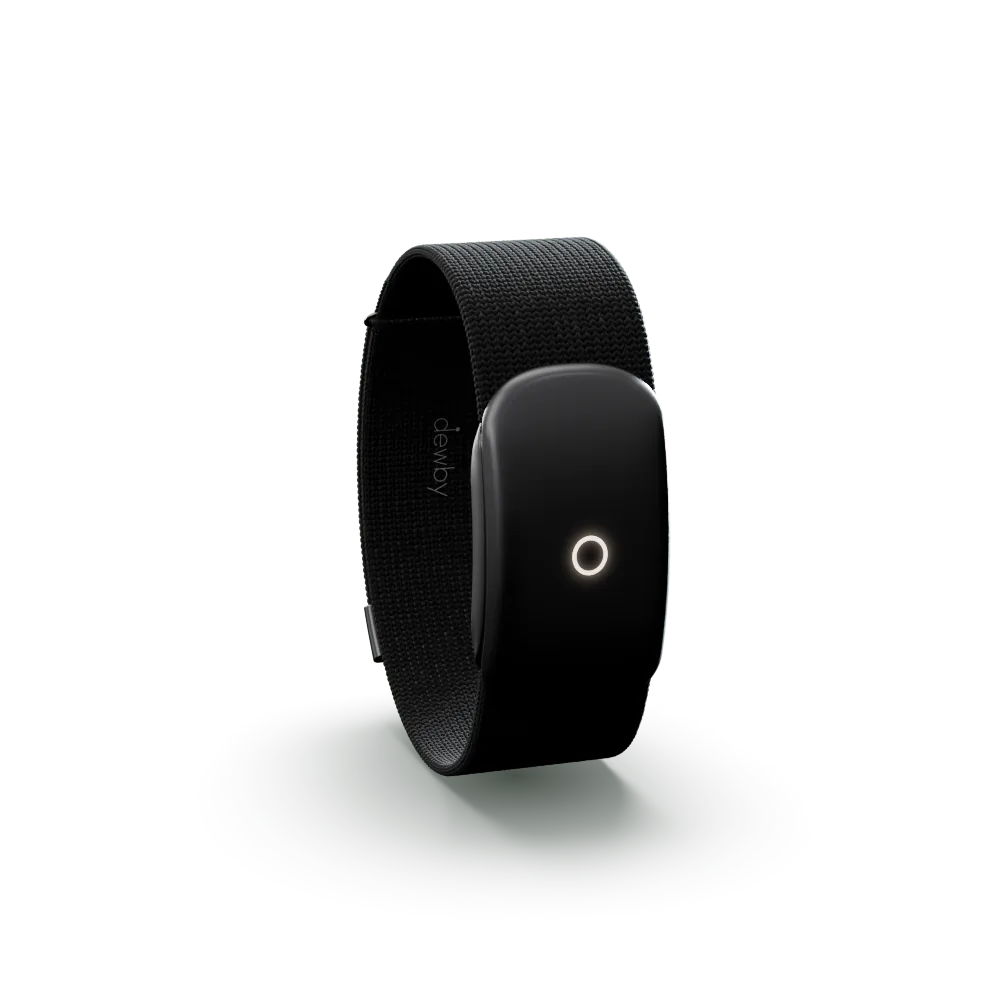
Yes, as long as your work account has a Microsoft 365 Copilot license. You can record a conversation in the Copilot phone app, or use Facilitator in Teams for a scheduled meeting. The downsides: it’s a paid add-on for work accounts, your phone has to be out, recordings stop at two hours, and nobody is told it’s recording. Dewby is a band you wear, at work and outside it, with a ring of light that shows when it’s listening.
Checked by Sricharan, who started Dewby. Prices in USD.
We make Dewby, so read this with that in mind. Facts about other products come from their makers’ pages and press coverage, listed under Sources; we haven’t tested each one ourselves.
Record in the Copilot app.
In the Microsoft 365 Copilot app on iPhone or Android, tap Record in the chat box. Copilot captures the conversation, then gives you a transcript and summary in Copilot Chat. A recording can run up to 120 minutes, and the audio is saved to your OneDrive for Business. Microsoft began rolling it out worldwide in late August 2026.
Take notes with Facilitator.
In the Teams mobile app, open the meeting from your calendar and choose Take notes with Facilitator. The meeting is recorded and written out, and the notes are saved to a Loop page. Facilitator can only be added to scheduled meetings, and your organization may need to turn it on.
What you need.
Both need a work or school account with a Microsoft 365 Copilot license, an add-on to Microsoft 365. Microsoft’s pages don’t describe in-person recording in the free Copilot app for personal accounts.
Where it falls short.
You start it each time, on a phone that has to stay near the people talking, and a recording stops at two hours. It lives inside your work account, so it doesn’t help with a conversation outside work.
Tell people first.
Microsoft says Copilot doesn’t notify other people when you start recording, and that you’re responsible for any consent you need. Say it before you start. Some US states require everyone’s consent.
Outside your work account.
Copilot lives inside your Microsoft work account and needs your phone out. Dewby is yours, and it goes wherever you do: the client meeting, the hallway, dinner. It keeps only your words, the light shows when it’s on, and afterwards you get notes, reminders and a drafted follow-up to approve.
Questions.
Is Copilot’s in-person recording free?
No. It needs a Microsoft 365 Copilot license on a work or school account.
How long can the Copilot app record?
Up to 120 minutes a recording.
Where are the recordings saved?
The Copilot app saves audio to your OneDrive for Business, with your usual permissions. Facilitator saves its notes to a Loop page.
Does Copilot tell people it’s recording?
No. Microsoft says it doesn’t notify other participants, so tell them yourself.
Related.
Sources.
- Microsoft 365 Message Center MC1437679: record in the Copilot mobile app (mirror)mc.merill.net
Microsoft Support: Facilitator in Teams meetingssupport.microsoft.com
Microsoft Tech Community: notes in in-person meetingstechcommunity.microsoft.com
Microsoft Learn: Copilot and transcription in Teamslearn.microsoft.com
Something out of date? Write to hello@heydewby.com and we’ll correct it.